Approve staff join requests
Review the teachers who requested to join your school and approve or reject them.
Teachers sign up themselves and request to join your school with your School ID. As an admin, you review those requests and approve or reject each one.
Steps
- Share your School ID with a teacher so they can request to join (they enter it under Join using School ID).
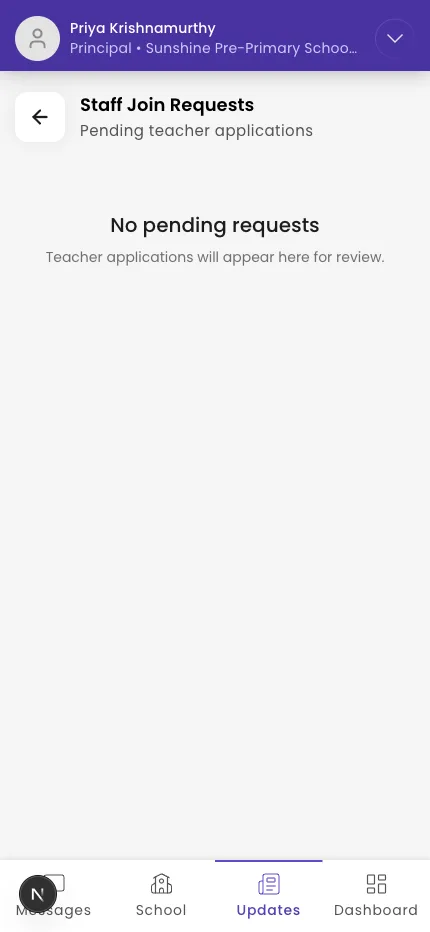
- Open Staff Join Requests (Pending teacher applications).
- Review each request — the teacher's name, phone, and date.
- Tap Approve to let them in, or Reject to decline.
Tip: Find your School ID in your school's settings, and give it only to staff you want to join.
What if it doesn't work?
- You see "No pending requests." No one has requested to join yet, or you've already actioned them all.
- A teacher says they can't join. Confirm they entered the correct School ID, or have them use Or search for your school.
Was this helpful?
Related articles
Last updated 2026-06-26