Check your child's attendance
See your child's monthly attendance summary, attendance rate, and day-by-day records.
Once a teacher marks the register, you can see your child's Attendance — a monthly summary plus the day-by-day record.
Steps
- Open your child's Attendance screen.
- Under Monthly Summary, check the cards: Total, Present, Absent, and Late.
- See the overall Attendance Rate percentage.
- Scroll to Attendance Records for each day's status (with Check-in / Check-out times where available).
Tip: Statuses you may see are Present, Absent, Late, Half Day, Sick, and Excused.
What if it doesn't work?
- Today shows nothing. The teacher usually marks the register in the morning, and it isn't marked on holidays or weekends. Check back later in the day.
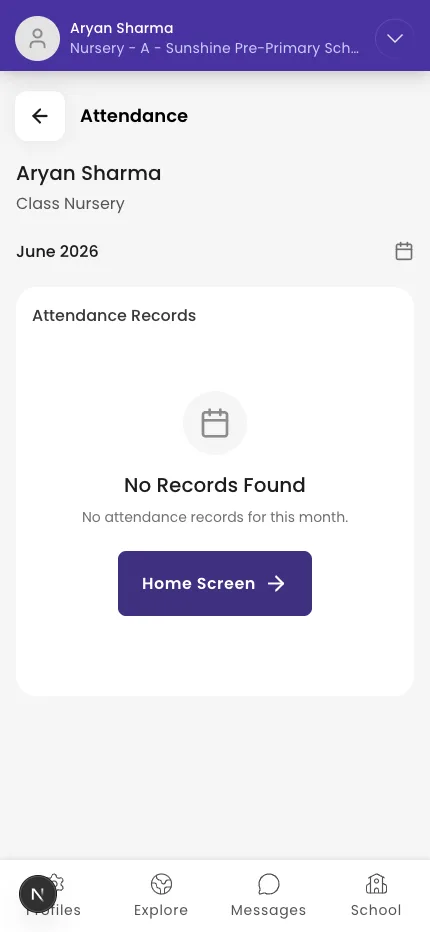
- You see "No Records Found." There's no attendance for the month you're viewing.
- You think a status is wrong. Only the school can change attendance — message your child's teacher. See Message your child's teacher or school.
Was this helpful?
Related articles
Last updated 2026-06-26