Explore communities
Discover and follow Starkid communities for activities, tips, and ideas, using the Explore tab.
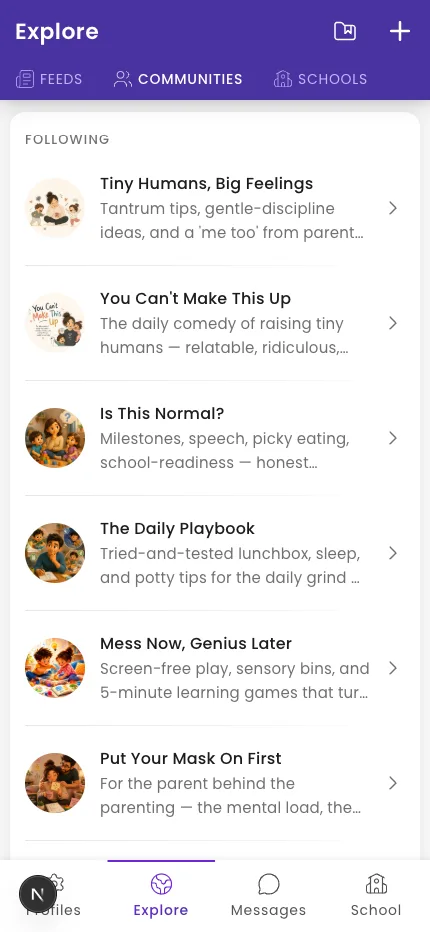
The Explore tab has Starkid communities — feeds of helpful, age-appropriate ideas. You choose which to follow.
Steps
- Tap the Explore tab in the bottom navigation.
- Switch between the Feeds, Communities, and Schools tabs.
- On Communities, browse YOU MIGHT BE INTERESTED IN and tap Follow on any you like. Followed ones move to FOLLOWING.
- Open a community to read its posts; swipe through a post's slides.
Tip: A community you follow shows Following. To stop, open the community, tap the ⋮ menu, and choose Unfollow. The same menu has Report community.
What if it doesn't work?
- You don't see the Explore tab. Communities aren't switched on for every account. If it's missing, the feature isn't enabled for you yet.
- You can't comment on a community post. Only followers can comment — tap Follow first.
Was this helpful?
Related articles
Last updated 2026-06-26